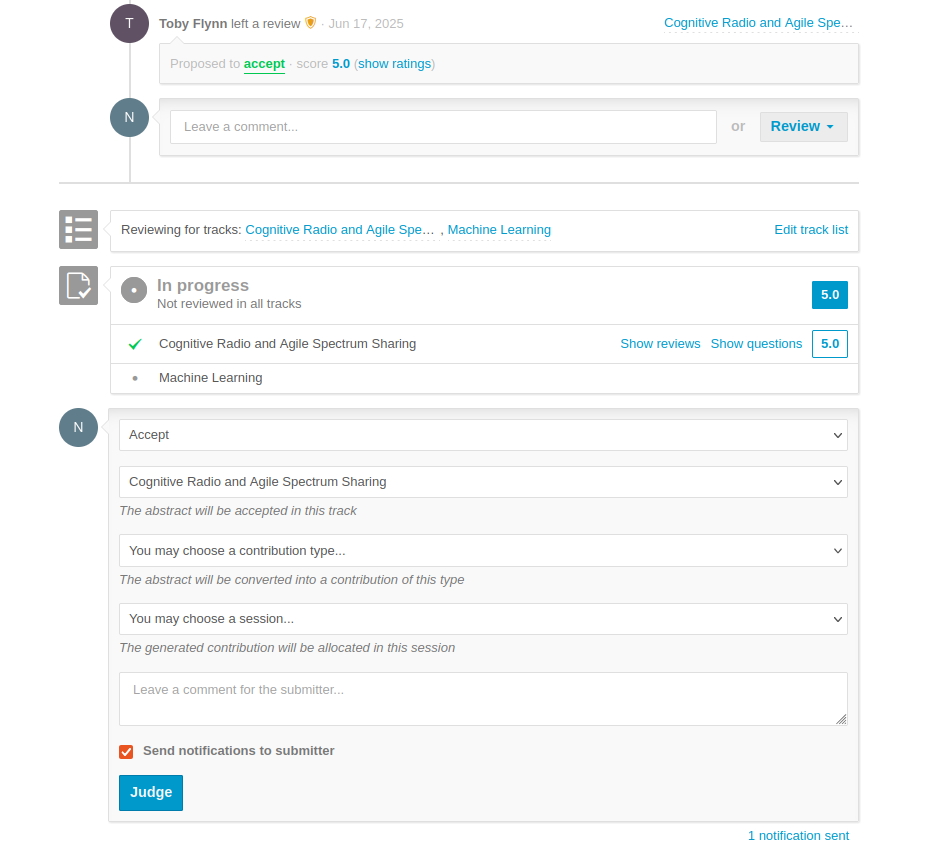
Link to Reviewer Page: https://events.gnuradio.org/event/26/abstracts/reviewing/ (Reviewer Access Only*)
Contact Organizer Leads: grcon@gnuradio.org or in Matrix Chat (Reviewer Access Only*)
For any questions please make use of Matrix Chat for best “realtime” support from other volunteers
*Please email grcon@gnuradio.org if you are interested in becoming a reviewer.
Reviewer's Rubric
This year, we decided to allow for a more granular review, by using the following rubric, where you will assess each abstract on a scale of 1-5. Ideally, this will provide better feedback to the submitting author. The categories are:
- Clarity, Organization, & Quality
- Technical Merit & Innovation
- Relevance to Conference Attendees
- Impact & Significant
- Code Availability (binary scoring, where not available is not necessarily an automatic disqualifier)
Scoring
5 - Outstanding
4 - Strong
3 - Adequate/Average
2 - Below Average
1 - Poor
Please note: GRCon Attendees come from a number of different backgrounds, e.g. industry, academia, hobbyists, hackers. As GRCon Organizers we like to provide a diverse program ranging from deeply technical to interesting but not necessarily GNU Radio or SDR focused.
Also keep in mind that GRCon is funded heavily by our generous sponsors, and it is generally frowned upon to have "marketing" talks in the main track not labeled as sponsor talks. If anything looks like it falls into that category, we need to communicate back to the submitter and clarify if it is indeed a Sponsor Talk, and classify/schedule it as such.
Step-by-Step Reviewers Guide
- If you don’t have one, sign up for the Indico account (see top right of GRCon website).
- Once you have an account, email grcon@gnuradio.org and ask to be added as a reviewer.
- Go to Indico sign in and make sure you have the “Reviewing Area” page visible, it’s under the Call for Participation section of the menu on the left.
- You’ll see a list of topics (“Tracks”) you are a “Reviewer” for and the number of items that need review next to it.
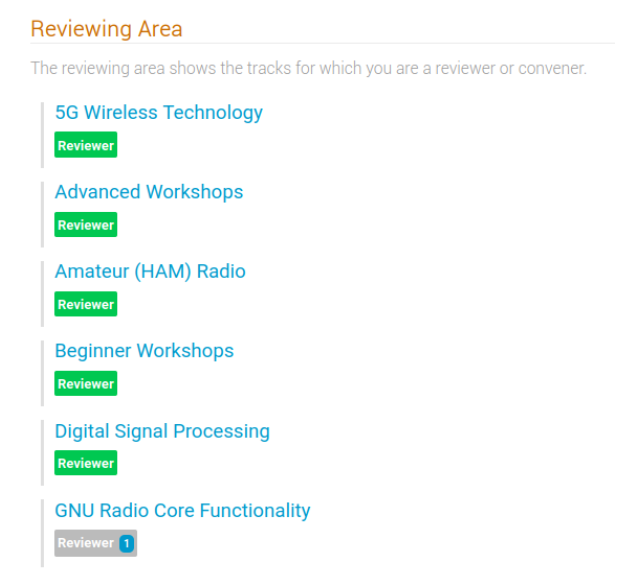
- Click on a Topic area waiting for review, start with the one that sounds most interesting.
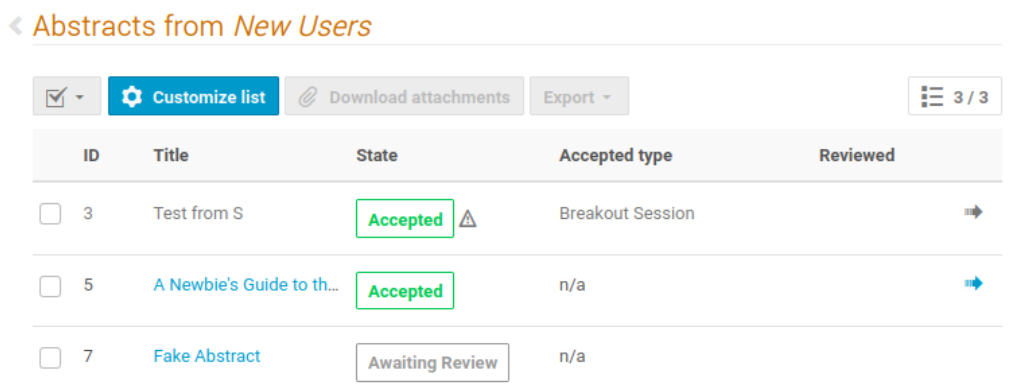
- Click on one of the items. If the content has been “Accepted” or “Rejected” there is no need for further review.
- Unfortunately, we do not currently have the ability for “blind” abstract review. Please do your best to be impartial and focus on the material content.
- To leave a review:
- Scroll down below the abstract and click the "Review" button.
- Fill out the reviewer form by clicking on the rating for each category.
- Optional: You may leave feedback in the form of comments.
- If the talk feels sponsor-y feel free to choose Yes for “Candidate for a Sponsor Talk?”, or leave it default if you don’t know.
- Make sure to propose an action "Accept", "Reject", etc.
- The "Contribution Type" field is optional.
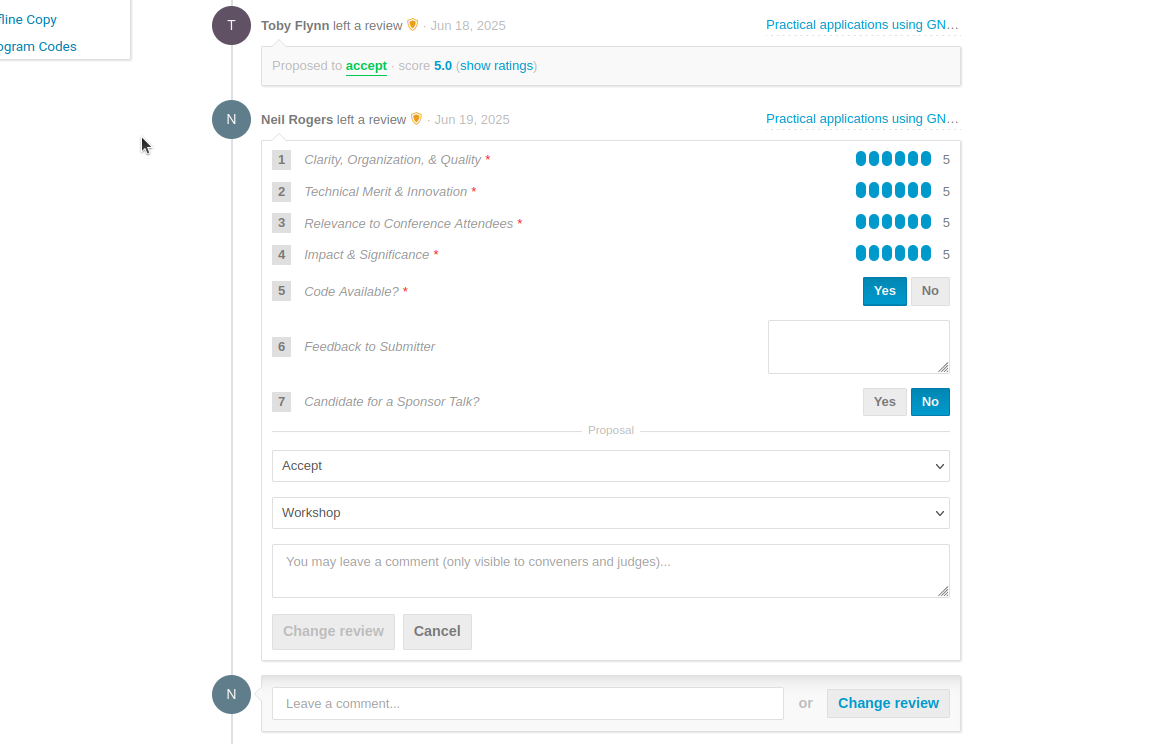
9. Click on "Submit Review". You are done -- DO NOT CLICK on the "JUDGE" button!